
xAI Launches Grok Build: The Agentic CLI Transforming Software Engineering
On May 18, 2026, xAI officially launched Grok Build, a groundbreaking agentic command-line interface (CLI) and terminal-native coding tool. Aimed squarely at professional software engineers and complex codebase automation, Grok Build transitions AI coding tools from passive conversational assistants into active, autonomous co-pilots capable of orchestrating concurrent workloads.
Terminal-Native and Agentic Workflows
Grok Build runs directly in your developer terminal. Rather than copy-pasting suggestions or working inside a locked IDE window, developers interact with their entire codebase through natural-language instructions.
The CLI features an immersive, mouse-interactive Terminal User Interface (TUI) that provides fullscreen monitoring of code changes, file statuses, and subagent work trees.
The Three-Stage Architecture: Plan, Search, and Build
What sets Grok Build apart is its rigorous multi-stage coding lifecycle designed to prevent hallucination and ensure codebase safety:
1. Plan Mode (Plan-First Execution)
Before a single line of code is written or saved, Grok Build enters Plan Mode. The agent analyzes your repository and outlines a step-by-step implementation plan.
- You can review, comment on, rewrite, or manually approve individual steps.
- This creates an essential safety gate that ensures developers retain steering control over exactly how the AI modifies their files.
2. Arena Mode (Automated Evaluation)
Grok Build features an automated, concurrent code-ranking system called Arena Mode. Instead of generating one solution, Grok Build launches multiple internal subagents to solve the problem in parallel using different architectural approaches.
- The generated solutions are automatically run, tested, and scored.
- You are presented with a ranked choice of the cleanest, most efficient solutions.
3. Parallel Subagents
The engine can spawn up to 8 parallel subagents to work on isolated tasks or different sections of a large-scale codebase at once. To prevent merge conflicts, subagents run in isolated Git worktrees, allowing them to test their changes independently before compiling the final merge request.
Deep Extensibility and Customization
Grok Build is designed to play nicely with existing project structures:
- AGENTS.md Integration: Grok Build dynamically scans and respects rules declared in
AGENTS.mdfiles at the root of a repository. You can dictate style preferences, import constraints, and testing frameworks that subagents must follow. - Dynamic Skill Registry: Developers can build and register custom modular behaviors ("Skills" and "Hooks") to extend the CLI. These can be easily managed directly from the TUI with simple commands like
/skillsand/plugins. - Headless Mode: For developers looking to run automated cron-jobs, pipeline checks, or CI/CD integrations, Grok Build includes a headless prompt mode via the
-por--promptflag.
Pricing and Availability
Grok Build is currently in early beta, rolled out exclusively to xAI's premium SuperGrok Heavy subscribers ($300/month). It can be installed instantly via a single terminal setup script:
curl -fsSL https://x.ai/cli/install.sh | bashOnce installed, running the command grok in your workspace directory launches the agent indexer and starts your interactive coding session.
This report is based on xAI's developer launch event, technical documentations, and initial hands-on reviews in the developer community.
Read more
Qwen 3.7 Max: Alibaba's Agent-Grade Reasoning Model
Alibaba's Qwen 3.7 Max is a text-only reasoning flagship with 1M token context, scoring #5 on the Artificial Analysis Intelligence Index and #3 in coding benchmarks.
Meta Muse Spark: A New Frontier in Multimodal Reasoning
Meta's Superintelligence Labs unveils Muse Spark, a natively multimodal reasoning model with multi-agent orchestration and strong performance in health and visual reasoning.
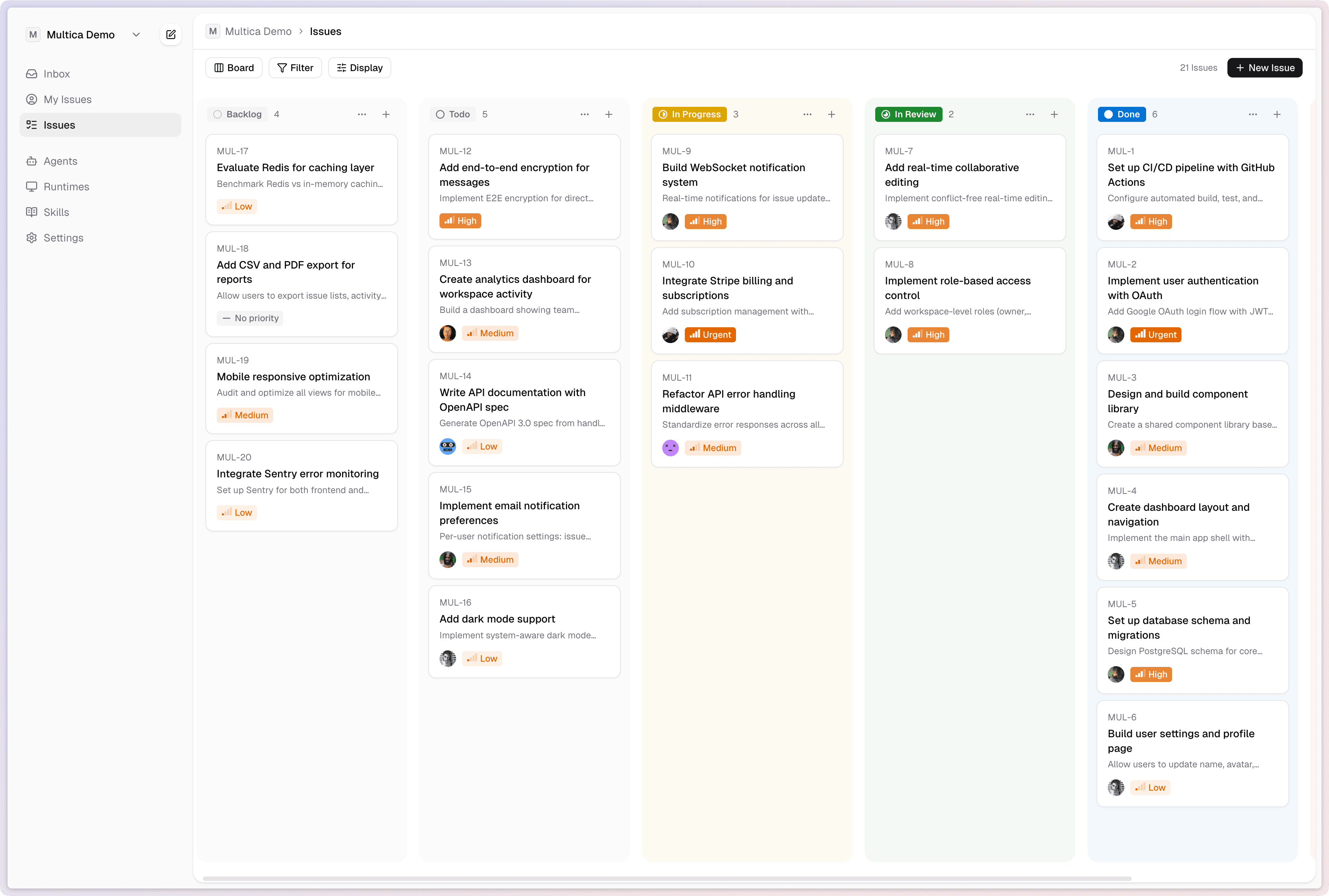
Multica: Turn AI Agents Into Real Teammates
Multica is an open-source platform that manages AI coding agents as full team members - assigning tasks, tracking progress, and compounding reusable skills across your organization.